
What Is Construction ERP Software?
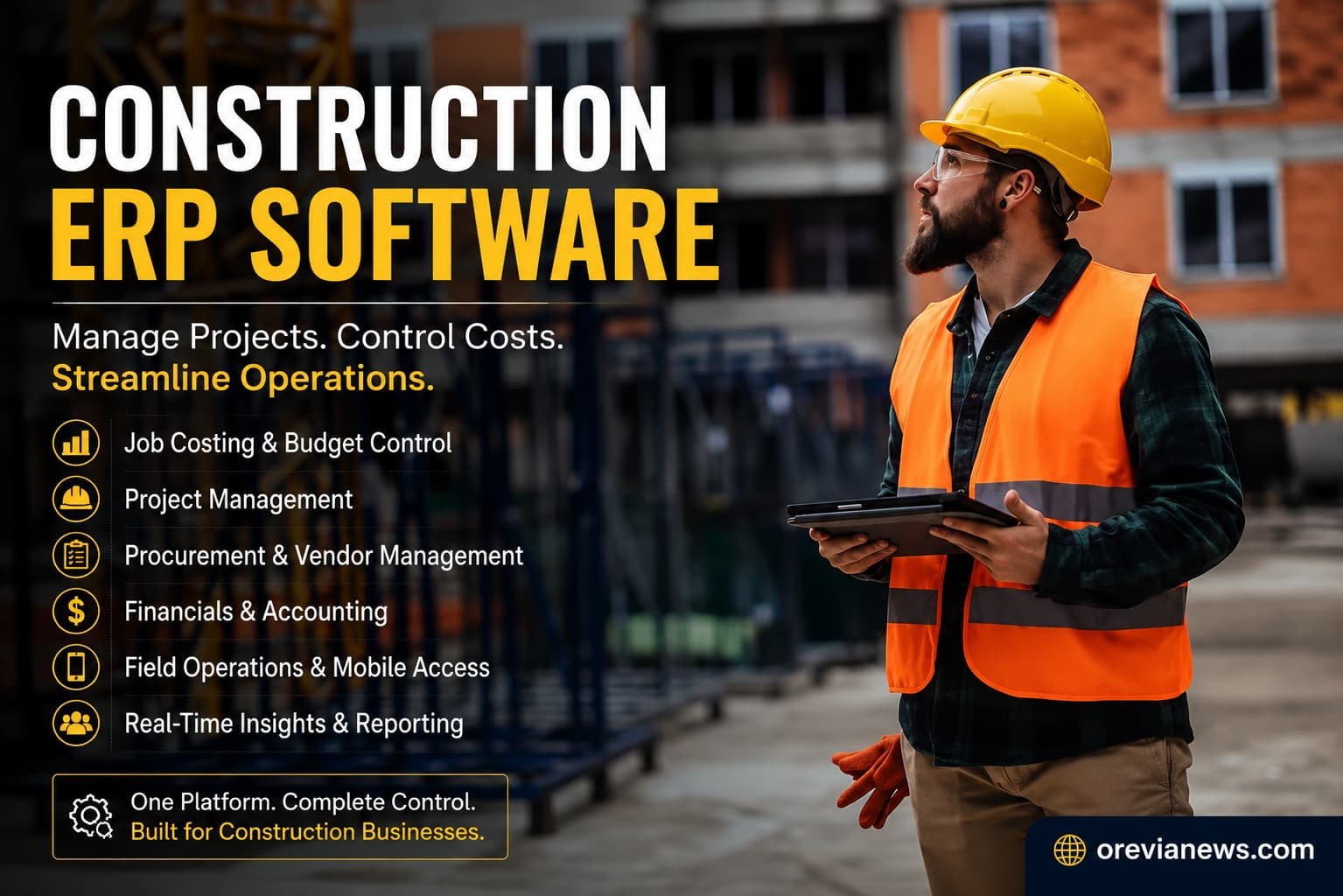
Construction ERP software is a specialized enterprise resource planning system that helps construction companies manage accounting, job costing, project management, procurement, payroll, and field operations from a centralized platform.
Construction ERP software is a business management system designed specifically for construction companies. It combines accounting, job costing, project management, procurement, payroll, equipment management, and field operations into one centralized platform Instead of relying on disconnected spreadsheets and separate software, teams work from a single source of truth.
Construction businesses use ERP software to improve project visibility, control costs, reduce manual work, and keep financial and operational data synchronized. Whether managing a handful of projects or hundreds of active job sites, an ERP helps decision-makers monitor budgets, schedules, resources, and project performance in real time.
This guide explains how construction ERP software works, its key features, benefits, implementation challenges, and what to consider before choosing a solution.
Key Features and Functions of Construction ERP
Most construction ERP platforms combine several business functions into one system. While features vary by vendor, the following capabilities are considered standard across most modern solutions: project accounting (with detailed job costing by phase and cost code); financial management (GL, AP/AR, payroll, equipment depreciation); and project controls (scheduling, change orders, subcontractor contracts). They also include document management (RFIs, drawings, permits) and compliance tracking (safety certifications, permitting). Modern solutions offer mobile field apps so on-site crews can update daily logs or enter time in real time. Integration is a hallmark: construction ERP often connects with BIM (Building Information Modeling) tools, CAD software, or supply-chain systems to reduce data silos. In short, construction ERPs go beyond generic financial software by embedding modules for project management, resource allocation, field mobility, subcontractor management, and compliance – all aimed at the construction lifecycle.
| Capability | Traditional ERP | Construction ERP |
|---|---|---|
| Focus | General manufacturing, distribution, retail | Construction projects (bldg., civil, engineering) |
| Job Costing | Basic cost centers or none | Detailed job- and phase-level costing, phase burn rates |
| Project Management | Limited or add-on tools | Built-in scheduling, resource allocation, and change-order workflows |
| Field Data Integration | Minimal | Mobile field apps for daily logs, equipment, and time tracking |
| Document Management | General DMS (invoices, contracts) | Construction docs (drawings, RFIs, submittals) with version control |
| Compliance & Reporting | Financial/audit reports | Construction-specific reports (safety, contractor compliance, etc.) |
| Deployment | Often on-premises (legacy) | Increasingly cloud-based with mobile and real-time updates |
| Data Integration | ERP-centric | Integrates BIM/CAD, field systems, and specialized tools |
Many vendors highlight these capabilities. For instance, Infor’s CloudSuite E&C is a “complete SaaS” ERP with prebuilt workflows for contract management, cost traking and project management. Sage 300 Construction advertises integrated financials plus tools for field service, reporting and “paperless” document control.
Construction ERP vs Construction Management Software
| Construction ERP | Construction Management Software |
|---|---|
| Focuses on finance and operations | Focuses on planning and project execution |
| Includes accounting and payroll | Usually doesn’t include accounting |
| Job costing is built in | Often requires integration |
| Used by finance and operations teams | Used mainly by project managers and site teams |
| Provides company-wide visibility | Focuses on individual project delivery |
Many construction businesses use both. Project management software helps teams deliver projects, while construction ERP manages the financial and operational side of the business.
Building Information Modeling (BIM) integration has also become increasingly important for construction technology platforms. The ISO 19650 standard provides internationally recognized guidelines for managing information throughout the lifecycle of construction projects using BIM methodologies.
Benefits of Construction ERP Software
| Benefit | Why It Matters |
|---|---|
| Better Job Costing | Track costs by project, phase, or cost code instead of relying on spreadsheets. |
| Centralized Financial Management | Accounting, payroll, purchasing, and budgeting stay connected. |
| Improved Project Visibility | Managers monitor schedules, budgets, and progress in real time. |
| Better Collaboration | Office staff and field teams work from the same project data. |
| Compliance Support | Store permits, contracts, safety records, and audit documentation in one place. |
| Mobile Access | Site teams submit updates, photos, timesheets, and reports without returning to the office. |
The real value of construction ERP isn’t replacing individual software tools. It’s eliminating disconnected information that slows decision making and increases the risk of budget overruns.
Who Should Use Construction ERP Software?
Construction ERP software is most valuable for businesses managing multiple projects, large budgets, or complex operations. Typical users include:
- General contractors
- Commercial builders
- Civil engineering companies
- Infrastructure contractors
- Mechanical, electrical, and plumbing (MEP) contractors
- Home builders managing multiple developments
- Construction firms with in-house accounting teams
Smaller contractors with only a few active projects may find standalone accounting or project management software sufficient until operational complexity increases.
Challenges of Implementing Construction ERP
High Initial Investment
Implementation involves software licensing, configuration, migration, and employee training. For many firms, the implementation effort costs more than the software itself.
Data Migration
Moving years of accounting records, project data, and supplier information into a new ERP requires careful planning and validation.
User Adoption
Even the best ERP fails if employees continue using spreadsheets or manual processes. Training and phased rollouts usually improve adoption.
Choosing the Right System
A feature-rich ERP isn’t automatically the best option. Companies should prioritize software that matches their project size, workflows, and future growth.
Cloud vs On-Premises Deployment
Most modern construction ERP platforms are cloud-based because they reduce infrastructure costs, simplify updates, and allow office and field teams to access project information from anywhere.
On-premises ERP still appeals to organizations with strict internal IT policies or specialized compliance requirements, but it generally requires greater investment in hardware and ongoing maintenance.
| Aspect | Cloud ERP | On-Premises ERP |
|---|---|---|
| Deployment Cost | Lower upfront (subscription) | High upfront (servers, licenses) |
| Maintenance | Vendor handles updates and backups | Company IT must manage upgrades and security |
| Accessibility | Anytime/anywhere via internet (good for field teams) | Office LAN or VPN access (requires network setup) |
| Scalability | Easy to add users, projects as business grows | Scaling can require more hardware and complex installs |
| Customization | Generally limited to vendor roadmap; faster feature releases | Often more customizable locally; slower to adopt new features |
| Security & Compliance | Must trust vendor/cloud security (but many offer FedRAMP/CMMC) | Data stays on-site (may suit very strict data policies) |
| Disaster Recovery | Built-in redundancy by provider | Must design and implement DR plan in-house |
Signs Your Construction Business Needs ERP Software
Your business may have outgrown spreadsheets or disconnected software if you:
- Manage multiple projects simultaneously
- Frequently exceed project budgets
- Spend hours reconciling accounting and project data
- Rely on manual reporting
- Struggle to track labor, equipment, or materials across projects
- Use separate systems for accounting, payroll, and project management
For many growing contractors, these operational challenges become the primary reason to invest in construction ERP software.
How to Choose Construction ERP Software
Before comparing vendors, identify the operational problems you want the software to solve. Some businesses primarily need stronger accounting and job costing, while others require better project management, equipment tracking, or mobile field reporting. Avoid comparing software based only on feature lists. Implementation quality, customer support, ease of use, and long-term scalability often have a greater impact on success than individual features.
When evaluating solutions, consider:
- Construction-specific functionality
- Job costing capabilities
- Mobile accessibility
- Integration with estimating, BIM, CRM, and payroll tools
- Reporting and dashboards
- Scalability
- Vendor support and implementation services
- Total cost of ownership
Choosing software based on actual business needs usually leads to better long-term results than selecting the platform with the longest feature list.
ERP requirements often vary by industry. Construction companies prioritize project costing and field operations, while energy businesses may focus more on asset management and regulatory compliance. You can also explore our guide on Oil and Gas ERP Software to see how ERP systems differ across industries.
Typical Construction ERP Implementation Timeline
Construction ERP implementations can take anywhere from a few weeks for smaller cloud deployments to several months for enterprise projects. Timelines depend on business size, data migration requirements, integrations, and employee training needs. Proper planning often has a greater impact on success than the software itself.
Construction ERP Trends
Several trends are shaping modern construction ERP platforms:
- AI-powered forecasting
- Predictive job costing
- Automated document processing
- Embedded business intelligence
- Better mobile workflows
Although these capabilities continue to evolve, core ERP functions, financial management, job costing, procurement, and project visibility, remain the primary reasons companies invest in construction ERP software.
Conclusion
Construction ERP software helps construction businesses manage financial operations and project execution from a single platform. The biggest advantage is having every project, financial, and operational process connected, giving teams a clearer picture of project performance.
The right solution depends on company size, project complexity, existing software, and long-term growth plans. Rather than choosing the platform with the most features, focus on one that fits your workflows, integrates with your existing systems, and can scale as your business grows. The best construction ERP isn’t necessarily the one with the longest feature list. It’s the one that fits your workflows, integrates with your existing tools, and gives your teams reliable information to manage projects more effectively.
FAQs
What is construction ERP software?
Construction ERP software combines accounting, project management, procurement, payroll, and field operations into one integrated platform.
Who should use construction ERP software?
General contractors, subcontractors, home builders, engineering firms, and construction companies managing multiple projects.
Is construction ERP different from project management software?
Yes. ERP includes financial management, accounting, payroll, procurement, and job costing in addition to project management.
Is cloud ERP better than on-premises ERP?
Cloud ERP offers easier deployment and remote access, while on-premises ERP provides greater infrastructure control.
Can small construction businesses use ERP?
Yes. Many vendors offer cloud-based ERP solutions designed for small and growing contractors.
What is the biggest implementation challenge?
Data migration and employee adoption are usually the most significant challenges during ERP implementation.
References
- Infor. Engineering & Construction Industry Software Solutions. Infor CloudSuite E&C features.
- ProjectTeam. FedRAMP Construction Management Software. ProjectTeam FedRAMP certification details.
- CMiC. What is ERP in Construction? Overview of construction ERP benefits.
- ERP Advisors Group. Construction & Field Service Case Studies. ERP implementation insights and common challenges.
- Ahmed et al. (2003). Implementation of ERP in the Construction Industry. Study on ERP awareness and barriers.
- McKinsey & Company. The Construction Productivity Imperative. Statistics on project cost overruns.
- Grand View Research (2024). Construction Management Software Market Report. Market size and growth drivers.
- ISO (2018). Building Information Modelling (BIM) Standards. Role of ISO 19650 in construction data management.
- Trimble. Press Release: Trimble FedRAMP Authorization. Federal requirements and security for construction software.
- Sage. Sage 300 Construction and Real Estate. Product overview and key features.