
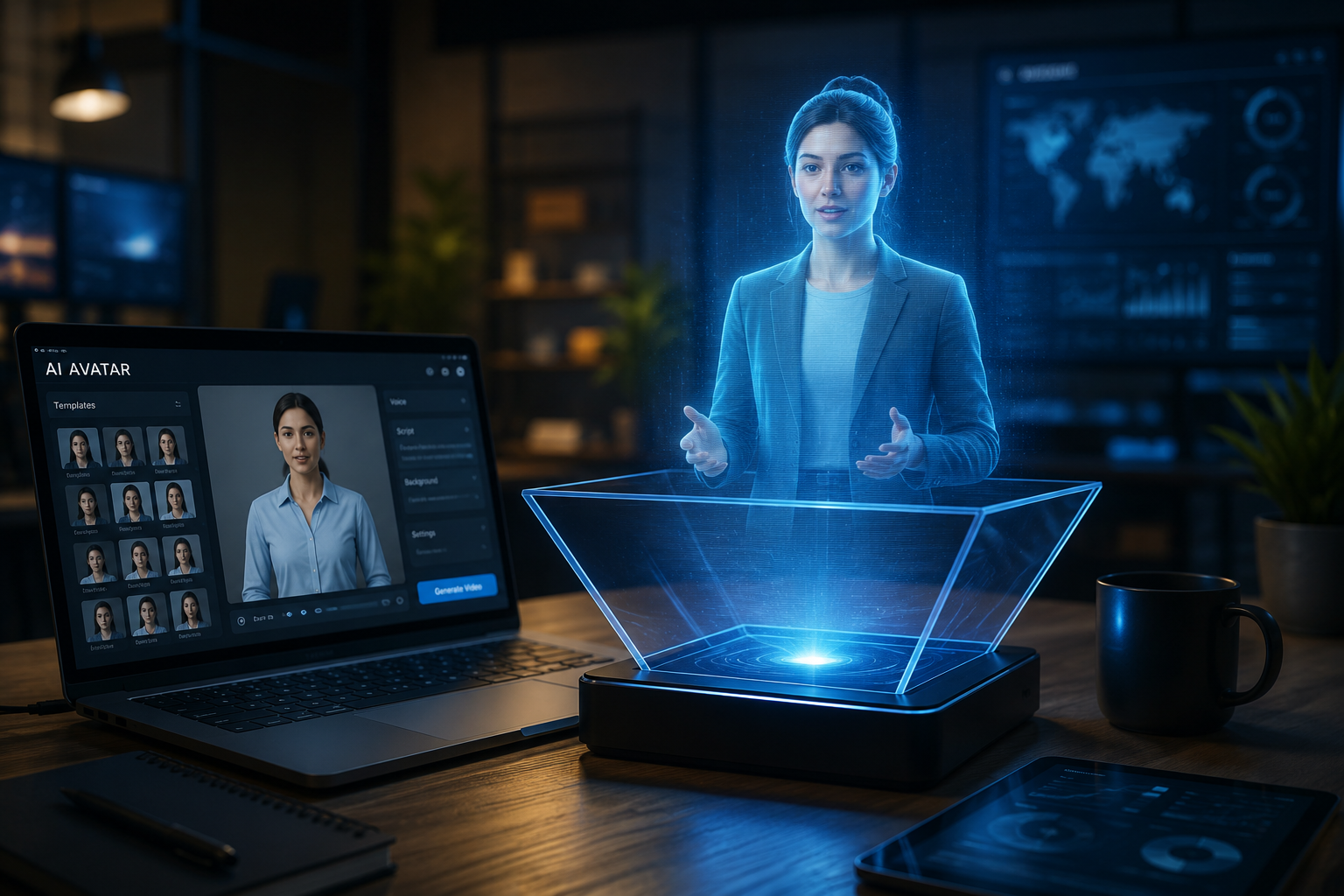
AI avatars are transforming how businesses, educators, and content creators communicate online. At the same time, hologram-style displays have become increasingly popular for presentations, events, and marketing campaigns because they create a futuristic and highly engaging viewing experience.
If you’ve ever wondered whether you can turn an AI avatar into a hologram, the short answer is yes. However, most consumer setups don’t create true holograms in the scientific sense, they rely on visual tricks that simulate the effect.
If you’re wondering how to make a hologram out of an AI avatar, the process is simple than you might think.
In this guide, you’ll learn what AI avatars and holograms are, what tools you’ll need, and the step-by-step process for creating your own hologram-style AI avatar presentation.
What Is an AI Avatar?
An AI avatar is a digital character generated or animated using artificial intelligence. These avatars can speak, move, and present information based on text, voice recordings, or video inputs.
Businesses use AI avatars to create traning videos, product demonstrations, customer support content, and social media campaigns. Content creators use them to produce videos without appearing on camera, while educators use them to deliver lessons in a more engaging format.
As AI avatar tools become more advanced, businesses are also evaluating them based on scalability, cost, and deployment flexibility. A structured evaluation approach like AI SaaS Product Classification Criteria can help teams choose the right platform instead of relying only on features or popularity.
Popular AI avatar platforms include Synthesia, HeyGen, D-ID, and various tools powered by technologies from OpenAI, Google, and Microsoft.
If you’re still exploring avatar creation platforms, our guide to AI Avatar Services Offering Free Trials or Tiers can help you compare popular options and test them before committing to a paid subscription. Different tools vary a lot in realism, voice quality, and customization.
What Is a Hologram?
A hologram is traditionally a three-dimensional image created using light projection techniques. However, when most people talk about holograms today, they’re usually refering to hologram-style visual effects rather than true holographic projections.
These effects create the illusion that a person, object, or digital character is floating in midair.
Common hologram display methods include:
- Transparent displays
- Pepper’s Ghost projections
- LED hologram fan displays
- Augmented reality (AR) experiences
- Holographic video effects
For most creators and businesses, hologram-style presentations are the most practical and affordable option.
Can You Turn an AI Avatar Into a Hologram?
Yes. The process involves three main stages:
- Creating an AI avatar.
- Converting the avatar into a transparent or holographic-style video.
- Displaying the video using a hologram-compatible viewing method.
The result is a digital presenter that apears more immersive than a traditional video.
What You’ll Need
Before you start, it’s better to understand the full workflow so you can choose tools based on your budget and desired output quality.
AI Avatar Generator
Examples include:
- Synthesia
- HeyGen
- D-ID
Video Editing Software
For adding holographic effects:
- Adobe After Effects
- Adobe Premiere Pro
- DaVinci Resolve
- Blender
- CapCut
Background Removal Tool
To isolate the avatar:
- Runway
- Canva Pro
- CapCut
- Adobe Express
Hologram Display Method
Choose one of the following:
- DIY hologram pyramid
- Pepper’s Ghost setup
- Hologram fan display
- Transparent screen
- Augmented reality application
Step-by-Step: How to Make a Hologram Out of an AI Avatar
The following tutorial shows exactly how to make a hologram out of an AI avatar using readily available software and display methods.
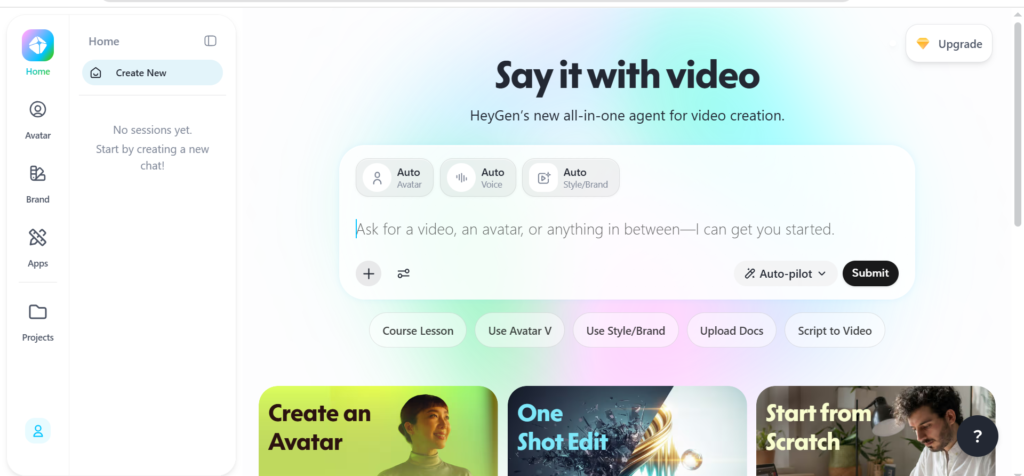
Step 1: Create Your AI Avatar
Start by generating your avatar using an AI avatar platform.
Write a script that clearly communicates your message. Keep the language conversational and easy to understand.
For example:
“Welcome to our product showcase. Today I’ll show you how our solution helps businesses automate customer support.”
Select an avatar that matches your audience and brand identity. Once you’re satisfied with the result, export the video in high resolution, ideally 1080p or higher.
Step 2: Remove the Background
To achieve a holographic appearance, your avatar should be separated from its background.
Most AI avatar platforms allow green screen exports or transparent backgrounds. If not, use a background removal tool to isolate the avatar.
A clean cutout significantly improves the final effect.
Step 3: Add Hologram Effects
Next, create the visual appearance associated with holograms.
Common effects include:
- Soft blue lighting
- Glowing outlines
- Digital scan lines
- Light transparency
- Floating particle effects
Adobe After Effects and Blender are particularly useful for creating professional hologram-style animations.
Remember that subtle effects often look more realistic than excessive visual enhancements.
In most real-world use cases, subtle hologram effects perform better than heavy visual effects because audiences focus more on clarity than visual complexity.
Step 4: Export the Hologram Video
Once the effects have been added, export the video using settings appropriate for your display method.
For hologram fan displays or projection systems, follow the manufacturer’s recommended video specifications.
For social media or presentations, standard MP4 exports usually work well.
Step 5: Choose a Display Method
There are several ways to showcase your hologram-style avatar.
DIY Hologram Pyramid
One of the most affordable options. Using transparent plastic and a smartphone or tablet, you can create a simple holographic illusion for demonstrations.
Pepper’s Ghost Projection
A classic technique that reflects video onto a transparent surface at an angle, creating the illusion of a floating figure.
Hologram Fan Displays
These devices use rapidly spinning LED blades to display floating images and videos. They’re commonly used in retail stores and trade show booths.
Augmented Reality
AR applications allow users to view holographic avatars through smartphones, tablets, or AR headsets.
This method is becoming increasingly popular for training, education, and interactive marketing experiences.
Step 6: Test and Optimize
Before presenting your hologram publicly, test it in the environment where it will be viewed.
Pay close attention to:
- Room lighting
- Viewing angles
- Audio quality
- Screen brightness
- Avatar positioning
Small adjustments can dramatically improve the final experience.
How Much Does It Cost?
The cost of creating a hologram-style AI avatar can vary depending on the tools and equipment you chose. Many AI avatar generators offer free plans, while premium subscriptions typically range from $20 to $100 per month.
For display options, a DIY hologram pyramid can cost less than $20 to make, while hologram fan displays often start at around $100 and can reach several hundred dollars for commercial models. For most beginners, combining an AI avatar tool with basic hologram effects is an affordable way to get started.
For most beginners, the goal isn’t to create a perfect hologram, it’s to create an engaging presentation that feels more dynamic than traditional video.
Real-World Use Cases
Marketing and Sales
Businesses use holographic AI avatars for product launches, retail displays, and event presentations.
Many organizations are already exploring How Businesses Use AI Avatars for Marketing to improve engagement and brand visibility.
AI avatars are also becoming increasingly popular in property marketing. Our guide on Top AI Avatar Tools for Real Estate Video Walkthroughs explores how real estate professionals use virtual presenters to create engaging property tours and listing videos.
Education and Training
Teachers and trainers can create virtual instructors that explain concepts in a visually engaging format.
Content Creation
YouTubers, streamers, and social media creators can use hologram effects to make their content stand out from traditional talking-head videos.
Trade Shows and Events
AI avatar holograms can greet visitors, provide information, and deliver presentations without requiring a live speaker.
Common Mistakes to Avoid
Using Low-Resolution Video
Poor video quality can ruin the hologram illusion.
Overloading Effects
Too many particles, animations, or glow effects can distract viewers.
Ignoring Audio
Even impressive visuals won’t compensate for poor sound quality.
Poor Lighting Conditions
Bright environments can reduce the visibility of projection-based hologram displays.
Key Takeaways
- AI avatars can be transformed into hologram-style presentations using readily available tools.
- Most modern holograms are visual illusions rather than true holographic projections.
- The process involves creating an avatar, removing the background, adding holographic effects.
- Popular tools include Synthesia, HeyGen, Runway, Blender, and Adobe After Effects.
- Hologram-style AI avatars are useful for marketing, education, content creation, and live events.
- Testing lighting, audio, and viewing angles is essential for achieving the best results.
FAQ
Can I create a hologram from an AI avatar for free?
Yes. Free AI avatar tools, video editors, and DIY hologram pyramid methods make it possible to experiment without significant investment.
What’s the difference between a hologram and a hologram effect?
A true hologram uses advanced light projection technology, while most consumer holograms are visual illusions created through reflections, transparent displays, or LED systems.
Which AI avatar generator is best for hologram projects?
Synthesia, HeyGen, and D-ID are among the most popular choices because they generate high-quality avatar videos that can easily be edited into hologram-style presentations.
Do hologram fan displays work with AI-generated videos?
Yes. Most hologram fans support standard video formats and can display AI-generated avatar content.
Can businesses use AI avatar holograms at trade shows?
Absolutely. Many businesses use holographic presenters to attract visitors, explain products, and create memorable experiences at exhibitions and conferences.
Conclusion
Creating a hologram out of an AI avatar is easier than ever thanks to modern AI video tools and affordable display technologies. Whether you’re a marketer, educator, content creator, or business owner, hologram-style AI avatars offer an innovative way to engage audiences and stand out in a crowded digital landscape. For more technology tutorials, AI trends, and practical guides, explore the latest content on OreviaNews.
Now that you know how to make a hologram out of an AI avatar, you can start experimenting with AI-generated presenters for marketing, education, or content creation.